Skip to content

jQuery Certification Course

Save 40% Save 40%
Original price $95.00
Original price $95.00 - Original price $95.00
Original price $95.00
Current price $57.00
$57.00 - $57.00
Current price $57.00

Learn jQuery and speed up the way you write JavaScript. This course covers selectors, DOM manipulation, event handling, animations, and AJAX - giving you the practical skills to work faster and smarter on real web projects.

  • Earn a recognized certificate - exam included, ready to add to your LinkedIn and resume
  • Write cleaner, faster code - master the library used by millions of websites worldwide
  • No experience required - a basic understanding of JavaScript is helpful but not essential
  • Learn at your own pace - self-paced with no deadlines
  • Hero plan included - get one year of premium access to ad-free learning, challenges, practice tests, and much more

Become a Certified jQuery Developer with W3Schools.

14-Day Money-Back Guarantee

Interested in multiple purchases? Send us a request.

Our users have jobs at

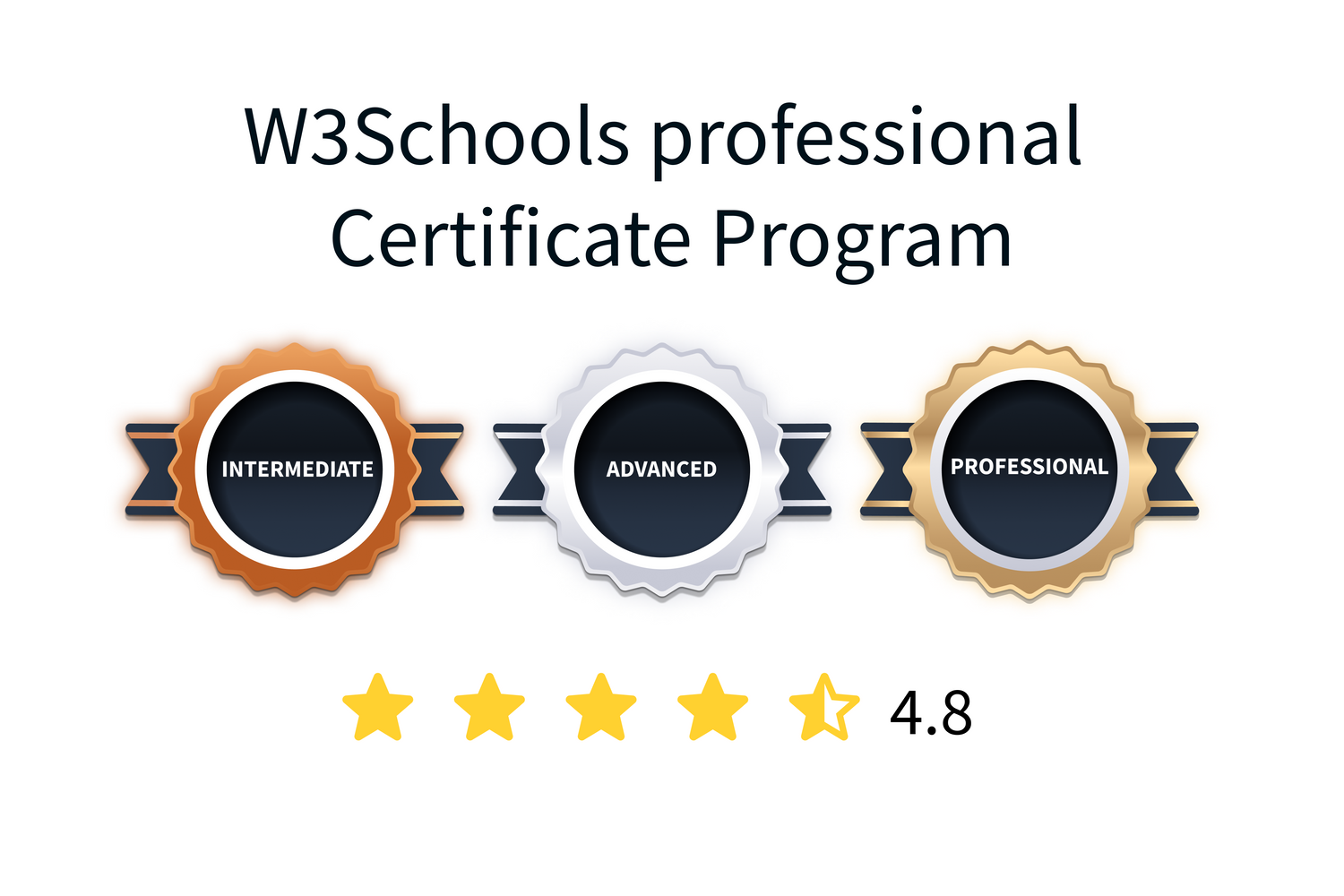
Skill-Level Certifications

Skill-Level Certifications

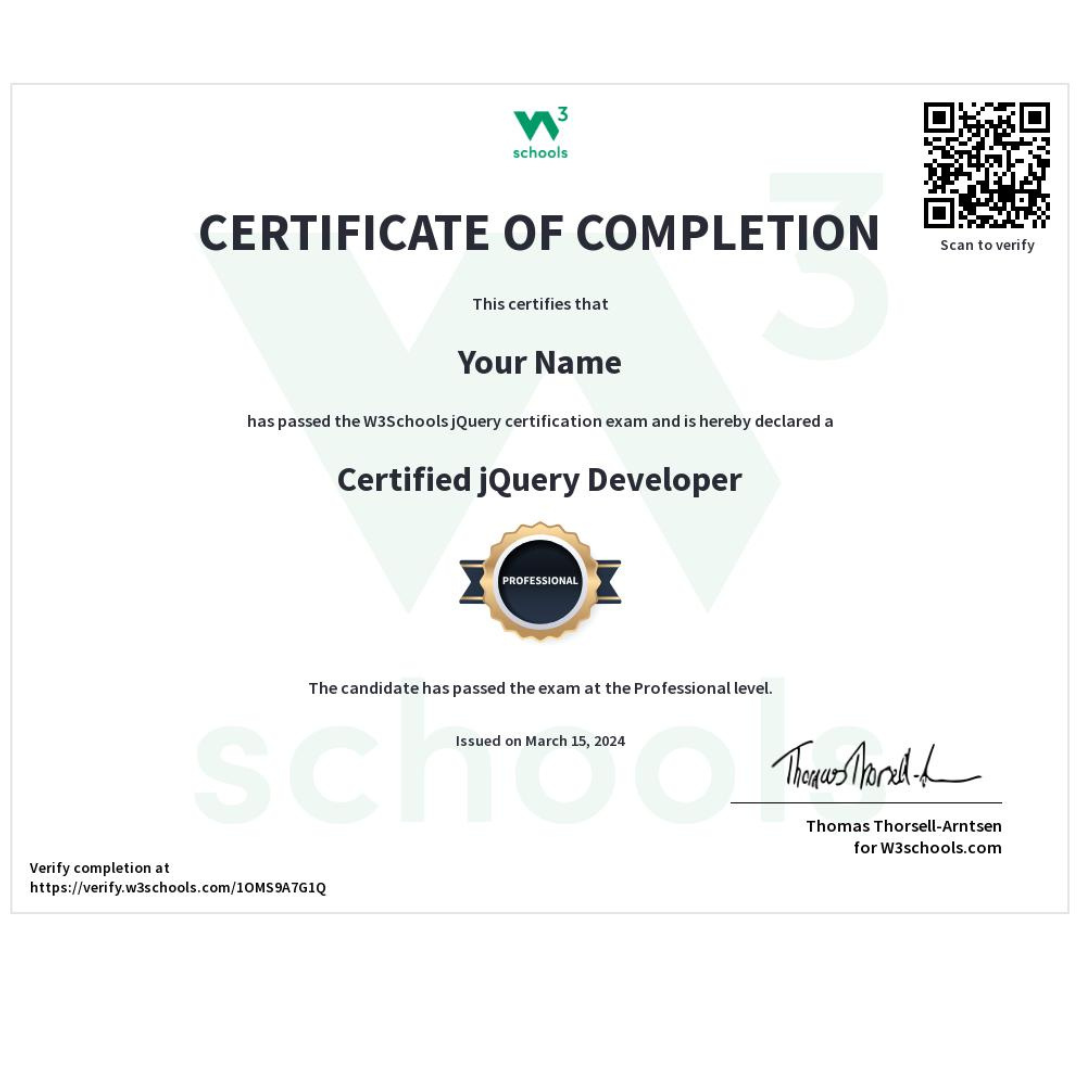
Use the W3Schools Certification Program to show and confirm your skills. The exams are adaptive, starting at intermediate and moving to professional and advanced levels. When you pass, you earn the Certified jQuery Developer Certification.

Our platform offers certification exams right at your fingertips, and you’ll see your results immediately, so you know exactly where you stand. These industry-recognized certificates help you stand out and give you a head start in your career.

This course includes the exam.

By enrolling, you’ll receive all the materials and guidance you need to prepare for and pass the test.

Add to cart
jQuery Course and Certification

jQuery Course and Certification

Dive into the world of jQuery with our course and learn how to simplify JavaScript coding. jQuery is widely used for creating dynamic web pages.

This course contains reading materials, quizzes, and exercises that end with a final exam and certification.

The Exam is included in this certificate course.

You have three attempts to pass the test or improve your score. Your highest score will always be recorded.

Add to cart
Learning Outcomes

Learning Outcomes

  • Understand jQuery syntax and how to implement jQuery in your web pages.
  • Master jQuery selectors to find and manipulate HTML elements.
  • Learn jQuery events and event handling (click, hover, etc.).
  • Create animations and effects (hide, show, fade, slide, etc.).
  • Manipulate HTML/DOM (get content, set content, add elements, remove elements).
  • Work with CSS using jQuery (add/remove classes, get/set CSS properties).
  • Traverse the DOM tree (find ancestors, descendants, siblings).
  • Handle AJAX to load and send data without page refresh.
  • Use jQuery callback functions and chaining.
  • Implement jQuery noConflict() mode.
  • Apply jQuery filters and custom selectors.
  • Build interactive web applications using jQuery.
Add to cart
Industry certification

Industry recognized certification to your LinkedIn profile, resume, or CV.

Flexible schedule

Complete the exam at your own pace. The exams have no expiration date.

Join the millions of learners

W3Schools is trusted by over 75 million learners and companies every month.

Benefits of jQuery Certificate:

Benefits of jQuery Certificate:

  • Get better chances at landing jobs in  jQuery Development.
  • Stand out from other candidates
  • The Certificate proves you have mastered the fundamental skills of jQuery Development, which builds trust with potential employers.
  • Showcase your skills on your resume, LinkedIn and other social media.
  • Become more attractive in the job market
Add to cart

Overview of the Training Modules

Topic Description
jQuery HOME Introduction to jQuery and overview of the course content
jQuery Intro Learn what jQuery is and why it's used
jQuery Get Started Set up and start using jQuery
jQuery Syntax Understand the basic syntax of jQuery
jQuery Selectors Select and manipulate HTML elements
jQuery Events Learn how to handle events in jQuery
jQuery Hide/Show Show or hide elements with jQuery
jQuery Fade Add fade effects to elements
jQuery Slide Create sliding effects with jQuery
jQuery Animate Animate elements using jQuery
jQuery stop() Stop running animations
jQuery Callback Execute functions after animations
jQuery Chaining Chain multiple jQuery methods
jQuery Get Retrieve DOM element values
jQuery Set Set DOM element values
jQuery Add Add new elements to the DOM
jQuery Remove Remove elements from the DOM
jQuery CSS Classes Manipulate CSS classes with jQuery
jQuery css() Get or set CSS properties
jQuery Dimensions Work with element dimensions
jQuery Traversing Navigate through DOM elements
jQuery Ancestors Find ancestor elements
jQuery Descendants Find descendant elements
jQuery Siblings Find sibling elements
jQuery Filtering Filter DOM elements
jQuery AJAX Intro Learn about AJAX with jQuery
jQuery Load Load data into HTML elements
jQuery Get/Post Send and retrieve data with GET/POST
jQuery noConflict() Resolve conflicts with other libraries
jQuery Filters Use filters to refine selections
Get Your Certificate

W3Schools has been a leading authority in web development education
for over 20 years, providing comprehensive resources and training for developers
worldwide. This recognition and credibility within the industry make our certifications in demand.

Prepare for a career in jQuery

Prepare for a career in jQuery

  • Prepare for a career in jQuery
  • Earn your jQuery certificate from W3Schools, tailored to your skill level.
  • Showcase your expertise in simplifying the client-side scripting of HTML with jQuery.
  • Qualify for high-demand job titles such as: Web Developer, Front-End Developer, and UI Developer.
Add to cart

Course overview

Course fee: $95
Course level: Beginner
Time to complete: 14 hours
Course Format: Self paced
Language: English
Prerequisites: None
Exam and Certification: Included
Number of certificates: 1
Certificate name: Certified jQuery Developer
Exam format: Multiple choice
Certification skill level: Intermediate (40%), Advanced (75%) and Professional (90%)
Certification Expiration: Never

Frequently asked questions:

What is the difference between a course and a certificate?

When you complete the course requirements, including the final exam, you will get a certification of completion. Getting a certificate proves your commitment to improving your skills.

Tip: If you are confident in your skills already and have followed the free tutorials you can also enrol directly to complete the final exam for the same certification here: https://campus.w3schools.com/collections/certifications 

How long time does it take to access the exam?

There is no waiting time. Immediately after completing your purchase you are sent an email link which gives you instant access to the exam.

What are the certificate levels?

There are three different levels: intermediate, advanced and professional.

Intermediate is 40%, Advanced is 75%, and Professional is 90%.

How many exam attempts do I have?

You have 3 attempts per exam. You can choose when to take each attempt. If you don't pass, you can study and take it again at your convenience.

Can I take the exam online?

All our exams are taken online with multiple choice questions. You do not need to be physically present.

How long does the certificate last?

The certificate never expires. You don't need to renew it.

How can I verify the authenticity of my certificate from W3Schools?

Yes, W3Schools offers payment plans to make our paid courses, exams and certificates more affordable. You can choose between a 3-month or 6-month payment plan to spread the cost of your course over several months. This allows you to manage your finances more easily. Read more here:

Learn about payment plans

Do you have a money-back guarantee?

Yes! If you are not satisfied with your purchase on W3Schools Campus, you can get your money back within 14 days from the day of your purchase.

It's simple. If you are not 100% satisfied with the course, you can get your money back, as long as no exam attempts are used. 

Our refund policy.